Create your account and sign in
Sign up with Google or email, what you get, and how to reset your password.
What it is
Your account keeps your ideas, chats and apps safe and saved, on any device.
Why it matters
Everything the crew creates for you (your Vision Core, PRD and app) is saved to your account, so you can pick up where you left off.
Steps
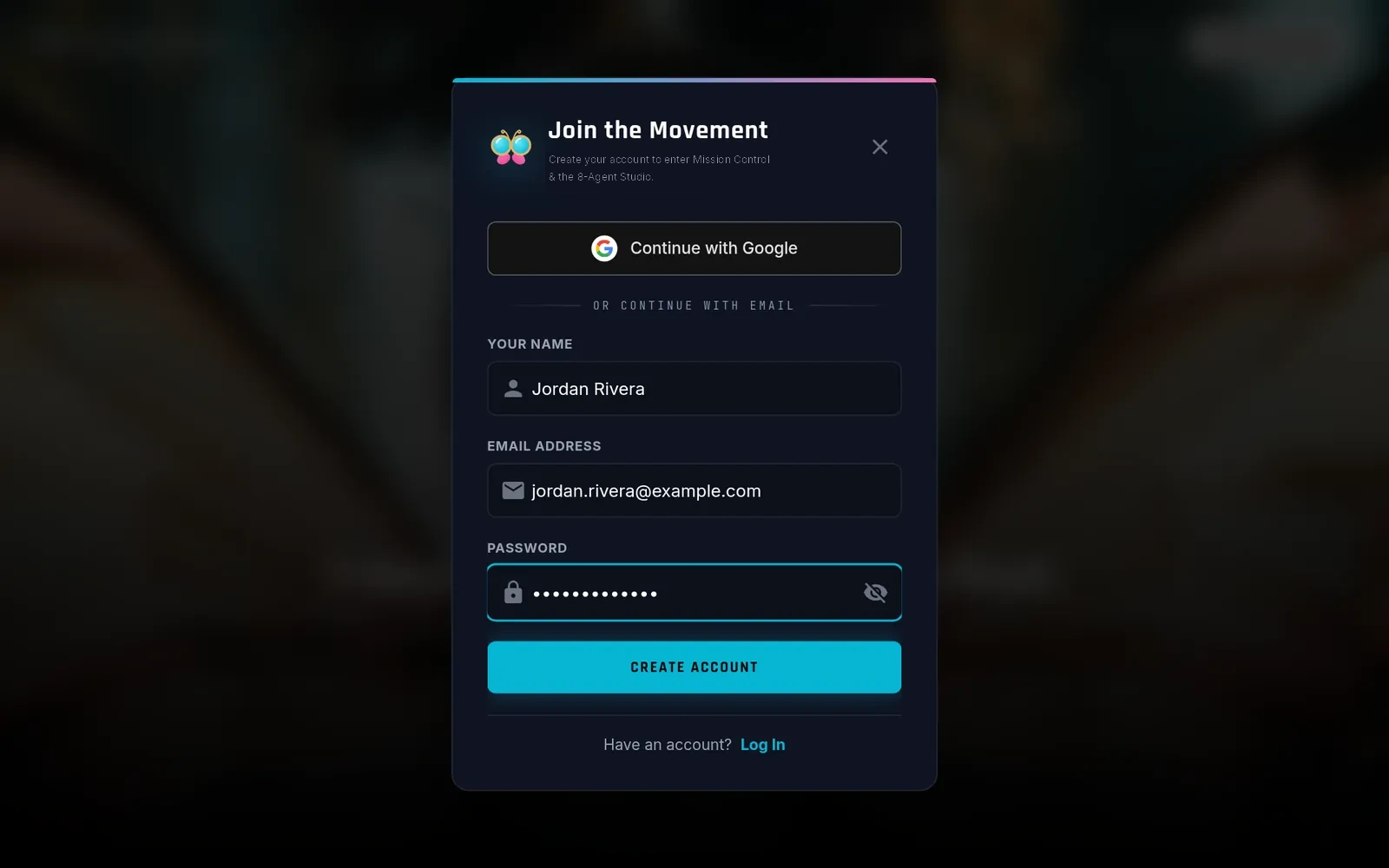
- Go to socialbutterflyai.com and tap Log In, then Get Started. (On a phone, open the menu first.)
- Choose one:
- Continue with Google (fastest, nothing to remember), or
- Type your name, email and a password, then tap Create Account.
- You land in Mission Control. No card needed to start. Credits come with every plan, or grab a $9 pack, when you are ready to build, publish, download, or connect a custom domain.
- If you signed up with email, we also send a verify your email message. You can keep using the app while it arrives. Can't find it? It may be in Junk. See this guide.
Forgot your password?
On the Log In screen, tap Forgot Password?. Type your email and we'll send a reset link. Check your Junk or spam folder if you don't see it in a few minutes.
Tips
- If you signed up with Google, always use Continue with Google to sign in.
- Credits come with every plan, or you can grab a $9 pack. See Credits & Plans and Buy credits.
What's next
Take a look around Mission Control.
Related guides
- Troubleshooting & FAQMy verification or password email didn't arriveWhere to look for emails from us (hint, Junk), and what to do next.
- Getting StartedMission Control: your home baseA tour of your home screen, from the quest map to the crew cards.
- Credits & PlansHow credits and plans workCredits pay for the bigger jobs. Here's what each plan includes.