Share your first idea
Get your first real answer from the crew in under a minute.
What it is
Your first win! You type your idea, and the crew starts shaping it with you right away.
Why it matters
Seeing your idea reflected back, clearer than you said it, is the moment it starts to feel real.
Steps
- In Mission Control, find the box that asks "What are we building?"
- Type one or two sentences. Messy is fine. For example: "A booking app for mobile braiders in Houston."
- Tap Start Building. The button also says Send my idea to the crew.
- You'll jump into Team Chat, where The Extractor starts asking friendly questions to capture your Vision Core.
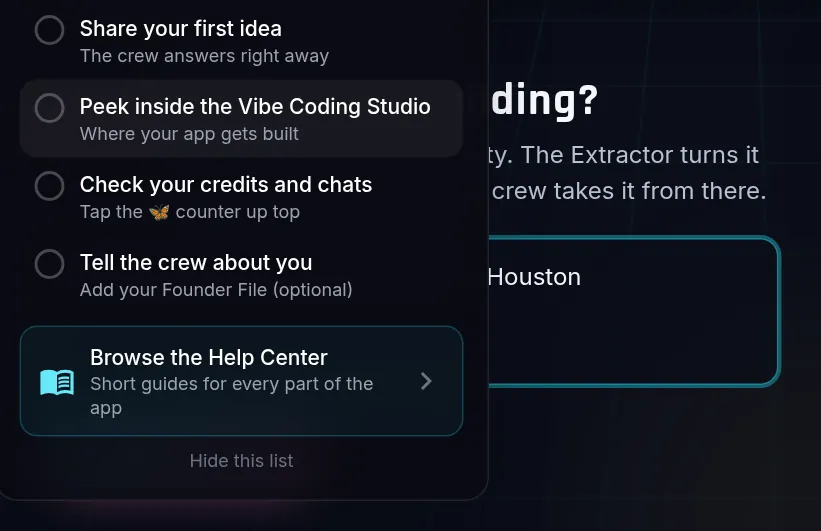
New members also see this near the end of the welcome, with a suggestion that fits what you said you want to work on.
Tips
- Answer in your own words. There are no wrong answers.
- Your idea becomes a project (sometimes called a venture). You can rename it from the menu at the top of Team Chat.
- Have more than one idea? Start another project any time from Your projects.
What's next
Learn how the Vision Core works, or meet your crew.
Related guides
- Your Quest MapStep 1: Your Vision CoreThe Extractor captures the heart of your idea in four parts.
- Meet Your CrewTeam ChatChat with your crew, see your saved dossier, and understand your chat allowance.
- Your Quest MapYour Quest MapThe seven steps from idea to live app, what each one is for, and who leads it.