The welcome tour and Getting Started checklist
Replay the quick tour any time, and use the checklist to find your feet.
What it is
When you first join, Social Butterfly says hello, asks two quick questions and gives you a 30-second tour of the screen. The last step is optional: add your Founder File so the crew can get to know you. Then a small Getting started checklist helps you try the basics.
Replay the tour
- In the left menu, tap Take the tour, or
- At the bottom of Mission Control, tap Take the tour.
Every tour stop has Next, Back, Skip and an X to close. On a keyboard, Esc closes it.
The Getting Started checklist
Six small wins that tick themselves off as you do them:
- Meet Social Butterfly
- Take the quick tour
- Share your first idea
- Peek inside the Vibe Coding Studio
- Check your credits and chats
- Tell the crew about you (add your Founder File, optional)
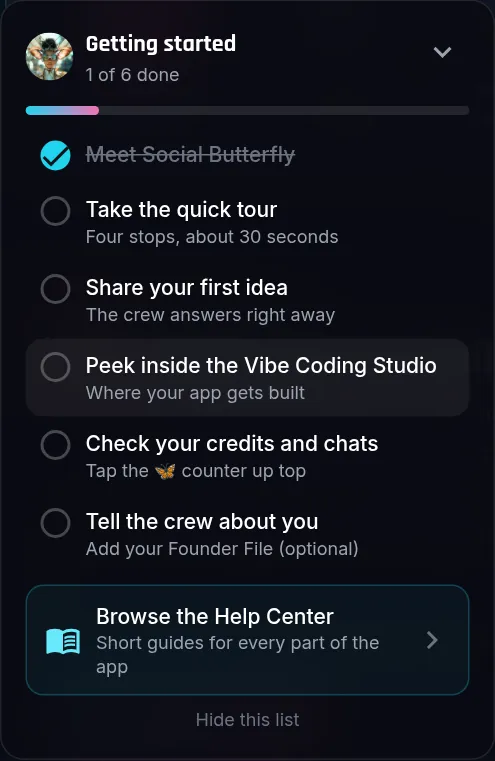
Fold it down to a small button with the arrow, or tap Hide this list. When all six are done, you get a little celebration. 🦋
What's next
Browse Meet Your Crew.