Profile and Settings
Your Founder File, four answers about your business, and your plan, newsletter and account.
What it is
Profile & Settings in the left menu opens one window with two tabs: Profile & Strategy and Account & Billing.
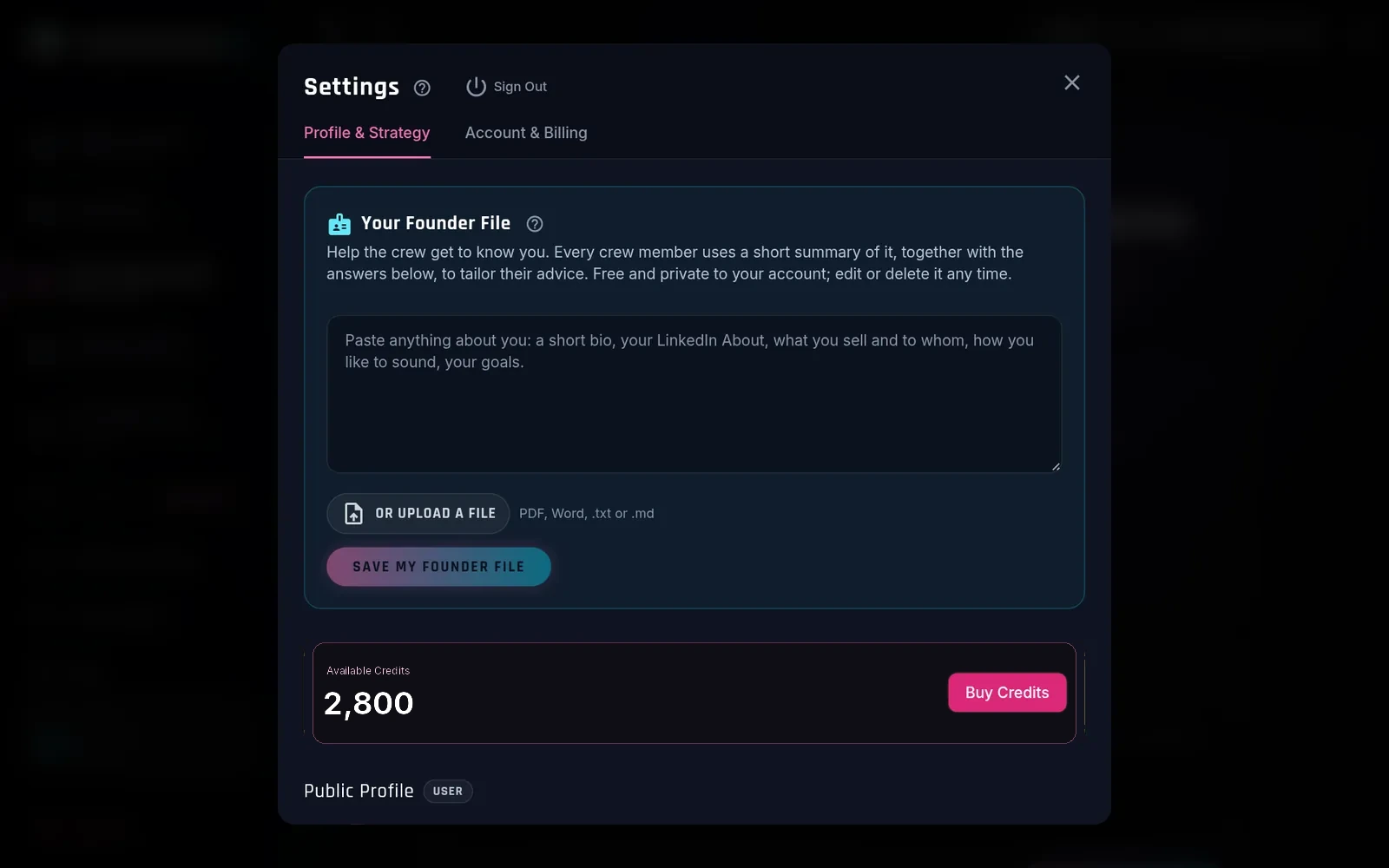
The Profile & Strategy tab
- Your Founder File (at the top). Paste or upload something about you so the crew can get to know you. See Your Founder File.
- Your credits, with a Buy Credits button.
- Your photo, full name and business name or summary. Tap Change Photo to add a picture.
- About your business: your ideal customer, the problem you solve, your motivation (your "why") and what worries you right now. Your crew reads these four answers, together with your Founder File, to tailor their advice. All optional.
- Tap Save Changes when you're done.
The Account & Billing tab
- Subscription: your plan, with Upgrade or Change Plan.
- Social Butterfly newsletter: turn product updates and founder tips on or off. Account emails, like password resets, always arrive.
- Login & Security: change your password. To change your email address, contact support.
- Danger Zone → Delete Account: permanently removes your account, chat history and all data.
Tips
- Two minutes on your Founder File and the four answers pays off in every chat.
- Turn the Welcome back card at login on or off from the card itself (Don't show this at login).
What's next
See how Credits & Plans work.
Related guides
- Getting StartedYour Founder FileHelp the crew get to know you. Paste or upload a bio or brand doc; every crew member uses a short summary.
- Credits & PlansHow credits and plans workCredits pay for the bigger jobs. Here's what each plan includes.
- Getting StartedCreate your account and sign inSign up with Google or email, what you get, and how to reset your password.